

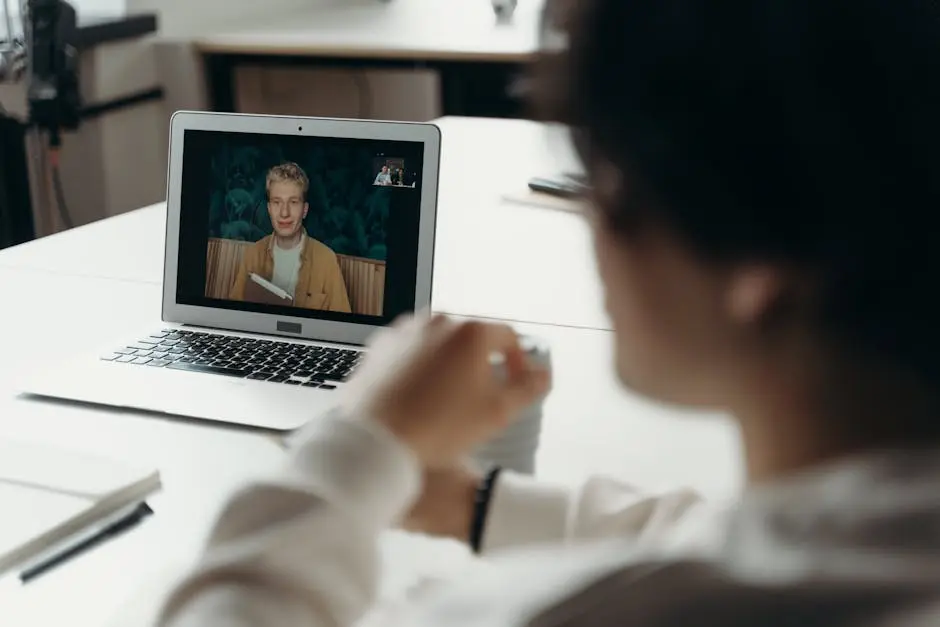
Video conferencing has become an essential tool for teams, especially those working in dynamic cities like Austin. Whether you’re managing a remote team or coordinating with local partners, enhancing your video conferencing setup can lead to more productive and enjoyable meetings. In this guide, we’ll explore practical steps to take your video calls to the next level.
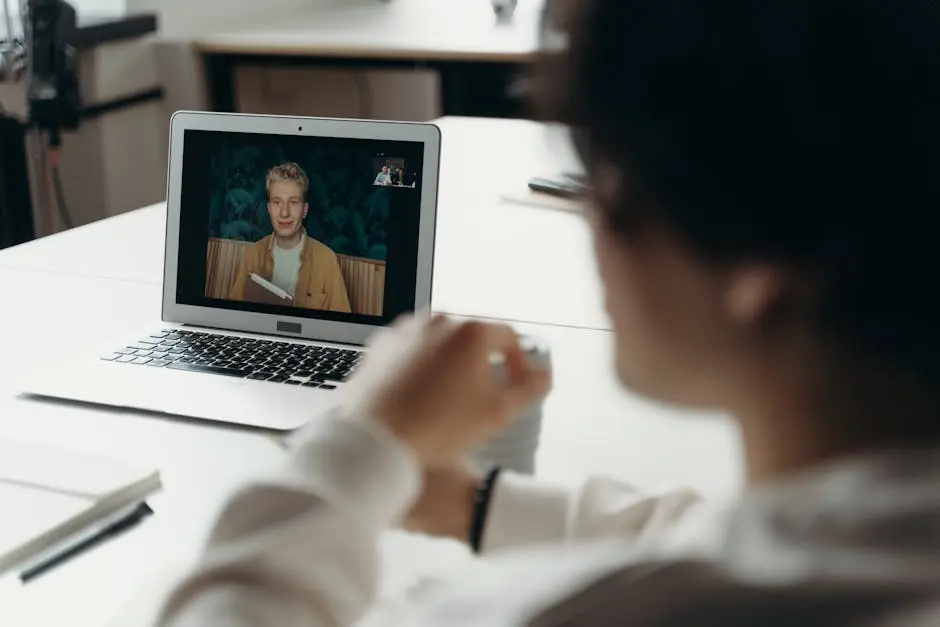
Assess Your Current Setup
Begin by evaluating the current video conferencing equipment and software your team uses. Are they up-to-date and suitable for your needs? Assessing your current setup helps identify areas for improvement.
Consider conducting a survey or meeting to gather input from team members about their experiences with the current setup. This feedback can highlight specific issues that may not be immediately apparent.
To ensure everything runs smoothly, perform a test call. This can reveal any potential tech hiccups and allow you to address them before a crucial meeting.
Choose the Right Tools
Select software and hardware that best fit your team’s requirements. Look for features like screen sharing, recording, and integrations with other tools you use. Ensure compatibility with devices and stability in performance.
One option to explore is using open-source conferencing tools which can offer flexibility and cost-effectiveness. Our IT Managed Service provides customized solutions that could be tailored to suit these needs.
Additionally, choosing a platform that integrates well with Project Management tools can increase efficiency. Such integrations can streamline the flow of information and make switching between software seamless.
Optimize Your Internet Connection
A reliable internet connection is crucial for seamless video conferencing. Investigate faster internet options if necessary and consider using wired connections to reduce lag and improve stability.
Encourage team members to test their internet speed regularly. A slow connection can often lead to frustrating interruptions during calls.
Establish a protocol for troubleshooting common connectivity issues to ensure quick resolutions and maintain a steady flow of communication.
Improve Your Meeting Environment
Pay attention to the physical environment where your team takes calls. Ensure good lighting, minimize background noise, and create a professional, tidy setting that fosters concentration.
Advocate for minimal distractions in the workspace. Simple adjustments, like instructing team members to close unrelated tabs, can significantly improve focus during calls.
Establish norms for video backgrounds to maintain a professional appearance. Custom backgrounds can also be used to reflect company branding subtly.
Enhance Communication Skills
Encourage team members to develop clear and effective communication skills. Techniques such as active listening and concise speaking can significantly improve the exchange of ideas during video calls.
Consider holding workshops or training sessions focused on building communication skills. Such initiatives support not only better video call interactions but also improve overall team collaboration.
By utilizing our tech solutions, teams can leverage technology to foster collaboration and efficiency, ensuring all members remain engaged and contribute effectively during meetings.
Bringing It All Together for Better Video Conferencing
Improving video conferencing experiences involves a mix of the right technology, thoughtful space design, and fostering strong communication skills. By implementing these strategies, your team in Austin can hold more engaging and productive meetings, no matter where each member is located.