

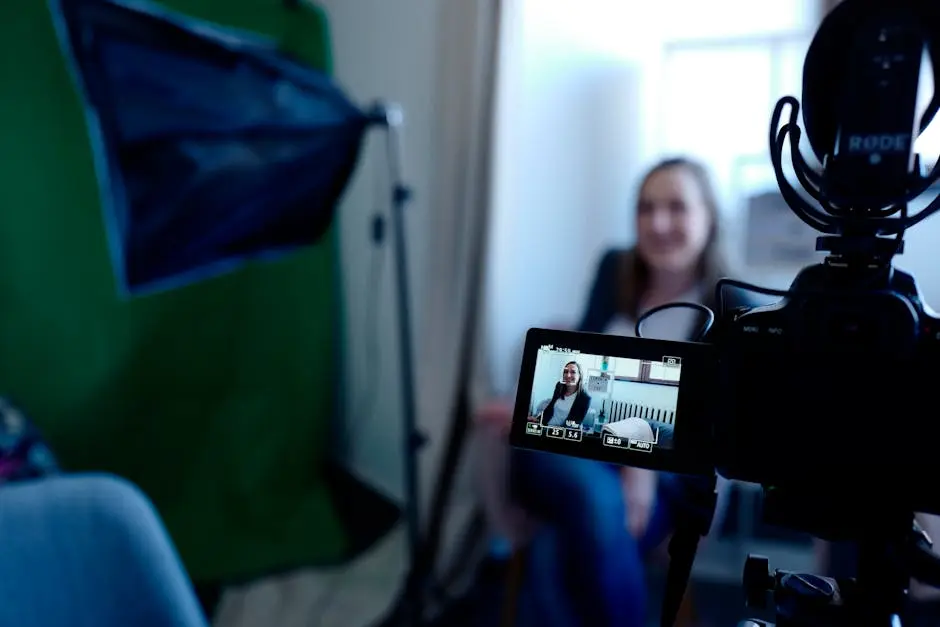
Navigating the world of video conferencing can be a daunting task, especially if you’re trying to ensure a seamless experience in a bustling city like Austin. Whether you’re a professional looking to conduct flawless meetings or a tech enthusiast wanting to stay connected, these easy steps will help you set up and optimize your video conferencing tools effortlessly.
1. Choosing the Right Equipment
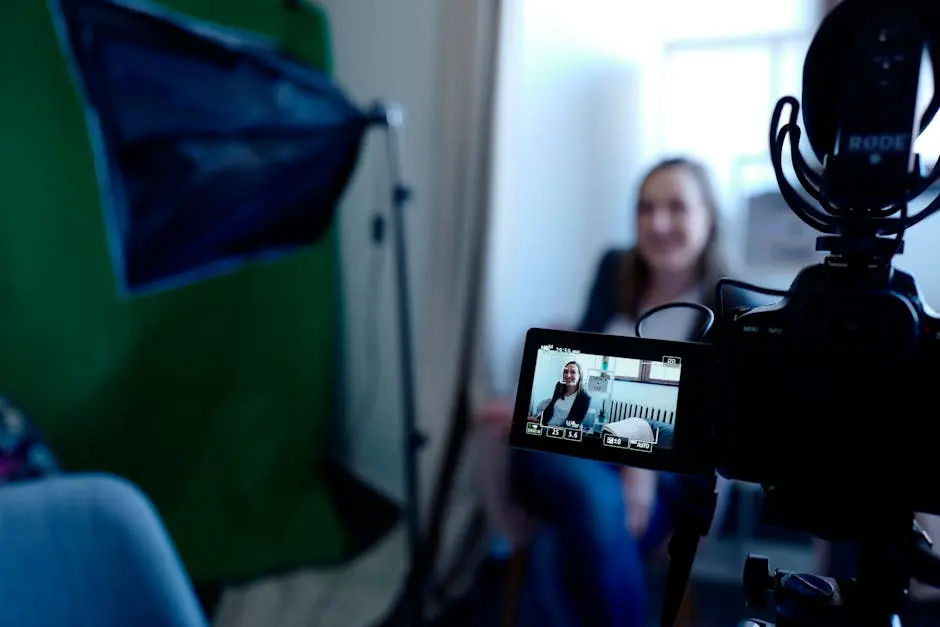
Selecting proper equipment forms the foundation of any successful video conference. From high-quality webcams to clear audio solutions, making the right choice is critical. A high-definition webcam enables participants to see you clearly, which is vital for fostering trust and effective communication. Equally important is the selection of a good microphone. Investing in a quality standalone microphone or a headset with an integrated mic can significantly enhance audio clarity, reducing background noise and ensuring your voice comes through crystal clear.
Additionally, don’t overlook lighting in your setup. Using soft, diffused lighting can help eliminate harsh shadows and ensures that you appear your best on screen. Simple LED ring lights are affordable and effective for this purpose. Not only do the right tools help you present professionally, but they also contribute to the overall quality of the meeting. Since technology continually evolves, ensuring your equipment reflects current standards is essential, particularly in a tech-savvy environment like Austin.
2. Opting for Reliable Internet Providers
Austin boasts a variety of internet service providers, each offering different plans. Selecting a plan that offers robust and consistent bandwidth is crucial. A stable connection ensures that your video calls are free from interruptions, thereby maintaining the professional tone of your meetings. It’s advisable to compare different providers, taking note of not just speed, but also reliability and customer service. Reading reviews from other users in Austin can give you a sense of who might provide the best service for your needs. After all, latency and lag can be detrimental to any video conferencing session.
3. Setting Up a Dedicated Conference Space
Creating a space that’s both functional and distraction-free can drastically improve the quality of your calls. The design of your space goes a long way in minimizing disturbances and echoes. Position your computer away from windows to avoid backlight, and consider mounting soundproofing panels if your walls are thin. Not only does this keep your space quiet, but it also helps participants hear you better. Small, thoughtful touches like these can transform a mundane area into a highly professional meeting space, allowing you to conduct meetings with peace of mind.
Moreover, maintaining a tidy background can help minimize distractions during meetings. Opt for a clean, neutral backdrop or add professional branding if appropriate. Remember, your environment reflects your professionalism and attention to detail. A well-thought-out space sets the right tone for communication and retains the attention of your audience, helping everything run smoothly from start to finish.
4. Choosing the Best Video Conferencing Software
With various platforms available, selecting one that is user-friendly and feature-rich is key. Platforms such as Zoom, Microsoft Teams, and Google Meet are popular due to their reliability and ease of use. They offer features like screen sharing, breakout rooms, and real-time chat, which can be incredibly beneficial for both small meetings and large presentations. Evaluate your specific needs and consider whether integration with other tools like calendars or project management software is necessary. The ability to seamlessly share documents and work collaboratively can greatly enhance productivity, making these software solutions indispensable in today’s digital communication landscape.
5. Optimizing Video and Audio Settings
Tweaking settings for both video and audio based on your equipment can significantly enhance the clarity and overall experience of your calls. Ensure your internet connection is optimal by checking network settings and conducting speed tests. Additionally, adjust your webcam settings for resolution, brightness, and contrast until you find the most flattering and natural look. For audio, use the settings feature of your chosen software to test microphone levels and reduce ambient noise. These small adjustments can make a huge difference when it comes to how you are perceived by your audience, ensuring you project the professional image you desire.
6. Testing Your Setup
Running trial calls with friends or colleagues helps identify potential issues, ensuring that everything runs smoothly during actual meetings. A dry run allows you to experience the meeting from a participant’s point of view and see if there are any improvements to be made in your current setup. Pay attention to feedback on audio and video quality, as well as any connectivity issues that could be addressed. This testing phase not only boosts your confidence but also decreases the likelihood of facing embarrassing hiccups during important calls.
7. Ensuring Cybersecurity
Increased digital communication comes with security risks. Implementing security protocols protects your data and maintains privacy. Employ strong passwords and update them regularly. Make sure to take advantage of built-in security features like encryption and waiting rooms, which can prevent unauthorized access to your meetings. Being vigilant about who you share meeting links with and using platforms with robust security measures is key. This not only safeguards your data but also instills trust among meeting participants, making cybersecurity an integral part of our setup.
8. Streamlining the Scheduling Process
Utilizing calendar apps or scheduling software can simplify meeting setups, avoiding the back and forth in finding the right time. Tools like Doodle or Google Calendar invite features let participants agree on mutual availability, ensuring a hassle-free scheduling experience. Furthermore, these applications can send automatic reminders, reducing no-shows and helping keep everyone punctual. With everyone leading busy lives, a streamlined approach allows meetings to focus on what’s truly important—productivity and communication. This aspect of preparation cannot be underestimated as it adds to a smooth flow of meetings.
9. Training for Technological Literacy
Providing training for those new to video conferencing tools ensures everyone is comfortable and proficient, reducing technical difficulties during meetings. Whether through formal training sessions or quick tutorial videos, investing time in education reaps numerous benefits. Not only does this foster confidence among users, but it also reduces the likelihood of last-minute troubleshooting, allowing meetings to start and end on time. As technology is continually evolving, routine updates and refreshers can help keep everyone current, making technological literacy a cornerstone of efficient video conferencing.
10. Leveraging Austin’s Local Tech Support
Making use of Austin-based tech support services ensures quick resolutions to any technical hiccups, leveraging local expertise. Austin’s vibrant tech scene means numerous IT professionals and support services are ready to assist, providing peace of mind that any issue can be swiftly dealt with. Whether you require on-site assistance or remote troubleshooting, having access to local tech support helps maintain continuity and prevent disruptions. Their familiarity with the local infrastructure can also prove invaluable, providing another layer of reliability to your video conferencing setup.
11. Utilizing Feedback to Enhance Experience
Gather feedback from meeting participants to continually improve your setup and approach. Open your meetings to constructive criticism about audio quality, video clarity, and overall setup. You might uncover simple adjustments that can significantly enhance the conferencing experience. Implementing suggestions not only improves individual sessions but also shows participants you value their input, improving overall satisfaction. Feedback is an integral part of any evolution, and acting upon it solidifies a commitment to providing the best possible virtual meetings.
12. Keeping Up with Technological Advancements
Staying informed about the latest trends and updates in video conferencing technology ensures that your setup remains modern and efficient. Regularly explore industry publications and tech blogs to understand emerging tools and features. Sometimes, minor software updates can introduce game-changing functionalities, enhancing your meeting capabilities exponentially. By being open to change and adaptation, you can position yourself as a leader in digital communication, ready to embrace the future of work in Austin and beyond. Thus, maintaining an updated setup isn’t just about technology; it’s about ensuring seamless and effective communication.